
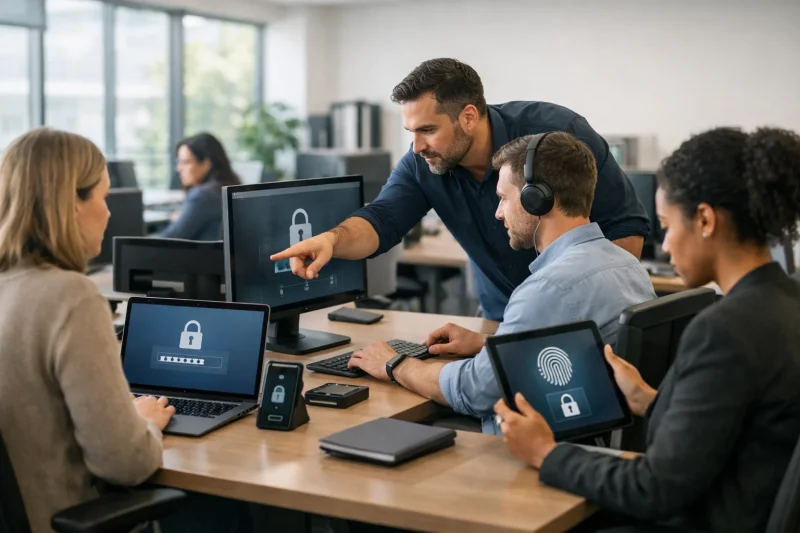
Workplace technology underpins communication, productivity, customer management, and data storage. From internal systems and networks to employee devices and cloud services, businesses rely on technology to function smoothly. When these systems are compromised, the impact can include financial loss, operational disruption, and long-term damage to trust.
In this blog, we will explain all of the easy-to-use security principles that can help protect your workplace technology.
Why Workplace Technology Needs Protection?

Security incidents affect organisations of every size. A single breach or system failure can result in:
- Loss of sensitive customer or employee data
- Legal and regulatory consequences
- Business interruption
- Reputational damage
- Reduced customer confidence
Technology protection is a core part of business risk management, not just an IT function.
What Should Be Protected?
Most organisations rely on a combination of physical and cloud-based systems, including:
- Computers, laptops, and mobile devices
- Internal networks and Wi-Fi
- Software platforms and databases
- Email and communication tools
- Financial, customer, and employee data
Each of these areas presents a potential security risk if not properly managed.
Core Strategies to Protect Workplace Technology
Here are some of the most common and effective ways to protect your workplace tech:
1. Use Strong Access Controls
Limiting who can access systems is one of the most effective ways to prevent unauthorised activity.
Best practices include:
- Individual user accounts for every employee
- Multi-factor authentication
- Permission levels based on job roles
- Automatic screen locking on shared devices
These controls reduce the risk of both external and internal misuse.
2. Keep Systems Up to Date
Outdated software creates security gaps that can be exploited.
This includes:
- Operating system updates
- Antivirus and firewall software
- Business applications and plugins
- Removing unsupported programs
Regular updates close known vulnerabilities and improve system stability.
3. Train Employees
Many security breaches begin with simple mistakes, such as clicking a malicious link or sharing login details.
Staff should understand:
- How to recognise suspicious emails
- Why password reuse is dangerous
- How to report unusual activity
- The risks of using unsecured networks
Training helps turn employees into a protective layer rather than a weak point.
4. Secure Your Network
Company networks connect devices, servers, and cloud platforms.
Important steps include:
- Using firewalls and secure routers
- Encrypting wireless networks
- Separating guest and internal traffic
- Monitoring for unusual activity
These measures reduce the chance of unauthorised access spreading across systems.
5. Back Up Business Data
Backups protect against ransomware, system failure, and accidental deletion.
A strong approach includes:
- Automated daily backups
- Off-site or cloud-based storage
- Regular testing of recovery systems
If something goes wrong, backups allow operations to resume quickly.
6. Regularly Test Security Controls
Security systems should be checked, not assumed to work. One effective way to do this is penetration testing with specialists who attempt to identify weaknesses before criminals can take advantage of them.
This process highlights gaps that may not be obvious during routine use.
Summary of What You Need to Do
| Area | What to Do |
| Access | Use MFA and role-based permissions |
| Software | Keep all systems updated |
| People | Provide regular security training |
| Network | Use firewalls and encryption |
| Data | Maintain secure backups |
| Oversight | Monitor and test systems |
Getting It Right With Your Business

Protecting workplace technology requires ongoing attention, clear policies, and the right technical controls. If you manage your access, keep systems updated, train staff, secure networks, and maintain backups, you will be able to massively reduce your exposure to cyber risk.
Technology in the Workplace FAQs
Is security only a concern for large organisations?
Smaller businesses are often targeted because they tend to have fewer defences.
Do all companies need dedicated IT staff?
Not always, but someone must be responsible for maintaining systems and security.
How often should security be reviewed?
At least every few months, and after any major system changes.